Mercedes me ID

Your key to the digital world of Mercedes.

Log in with your Mercedes me ID to get more out of your Mercedes-Benz. Because with your Mercedes me ID and your agreement to the Digital Extras Terms of Use, you can use our Digital Extras and set up your vehicle according to your wishes and needs.

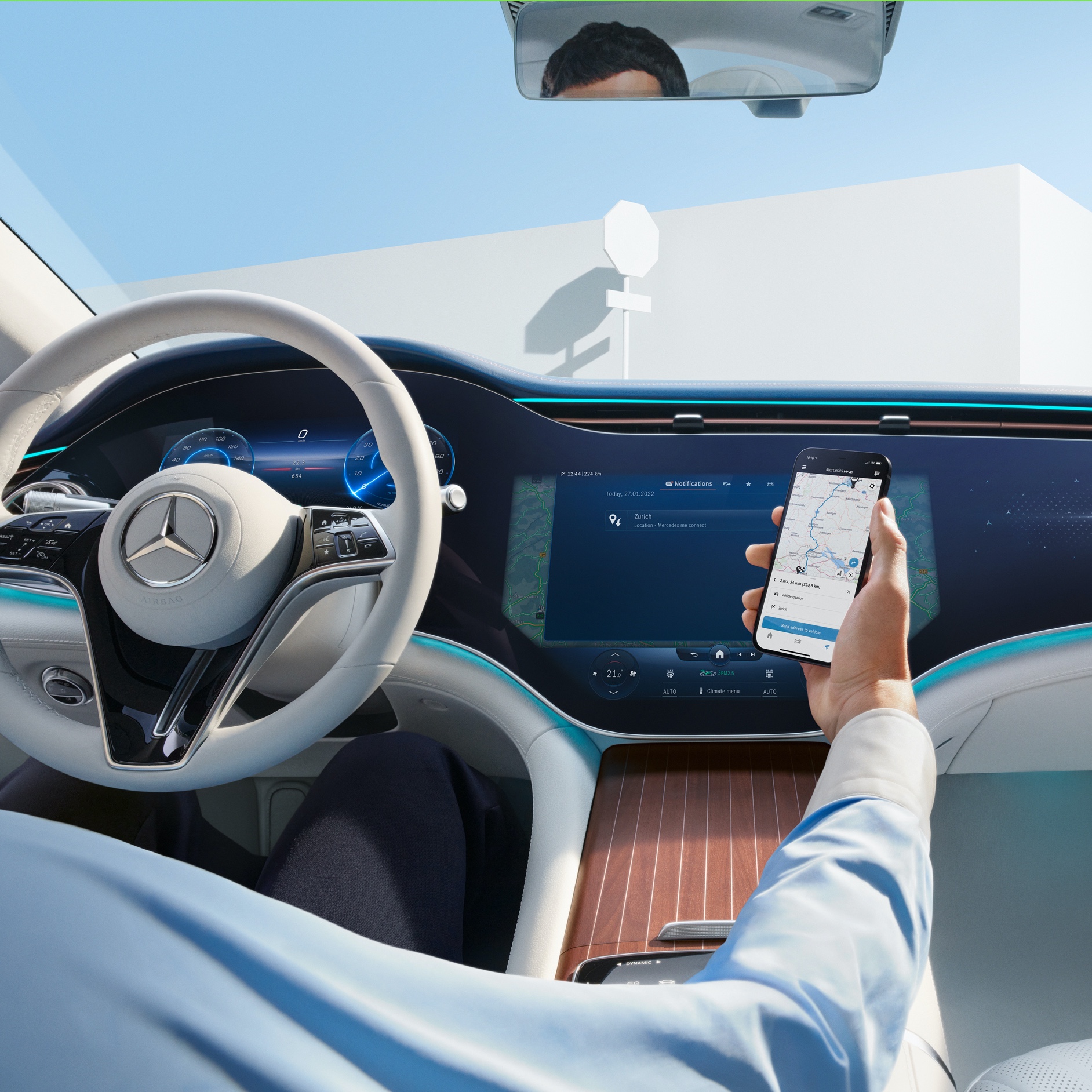
A man transfers the selected route from his smartphone to the MBUX Hyperscreen in his Mercedes-Benz via the Navigation Digital Extras.

Mercedes-Benz Apps

Connected directly to your Mercedes-Benz.

Discover the versatile apps for your Mercedes-Benz, all of which have one thing in common: each one establishes a direct connection between you and your vehicle. So you always have a clear view of everything - even when you're not sitting in your Mercedes-Benz.

MBUX Voice Assistant

"Hey Mercedes"

Talk to your Mercedes-Benz and get to know your vehicle as you've never experienced it before. With the MBUX Voice Assistant, it listens to what you say. Without learning commands beforehand. This Digital Extra is already installed in your Mercedes-Benz before you start the engine for the first time. All you need to do is activate the MBUX Voice Assistant in your vehicle or via your service management. Your vehicle reads text messages aloud, checks the weather at your destination, finds the fastest route or the perfect radio station - all it takes is "Hey Mercedes"

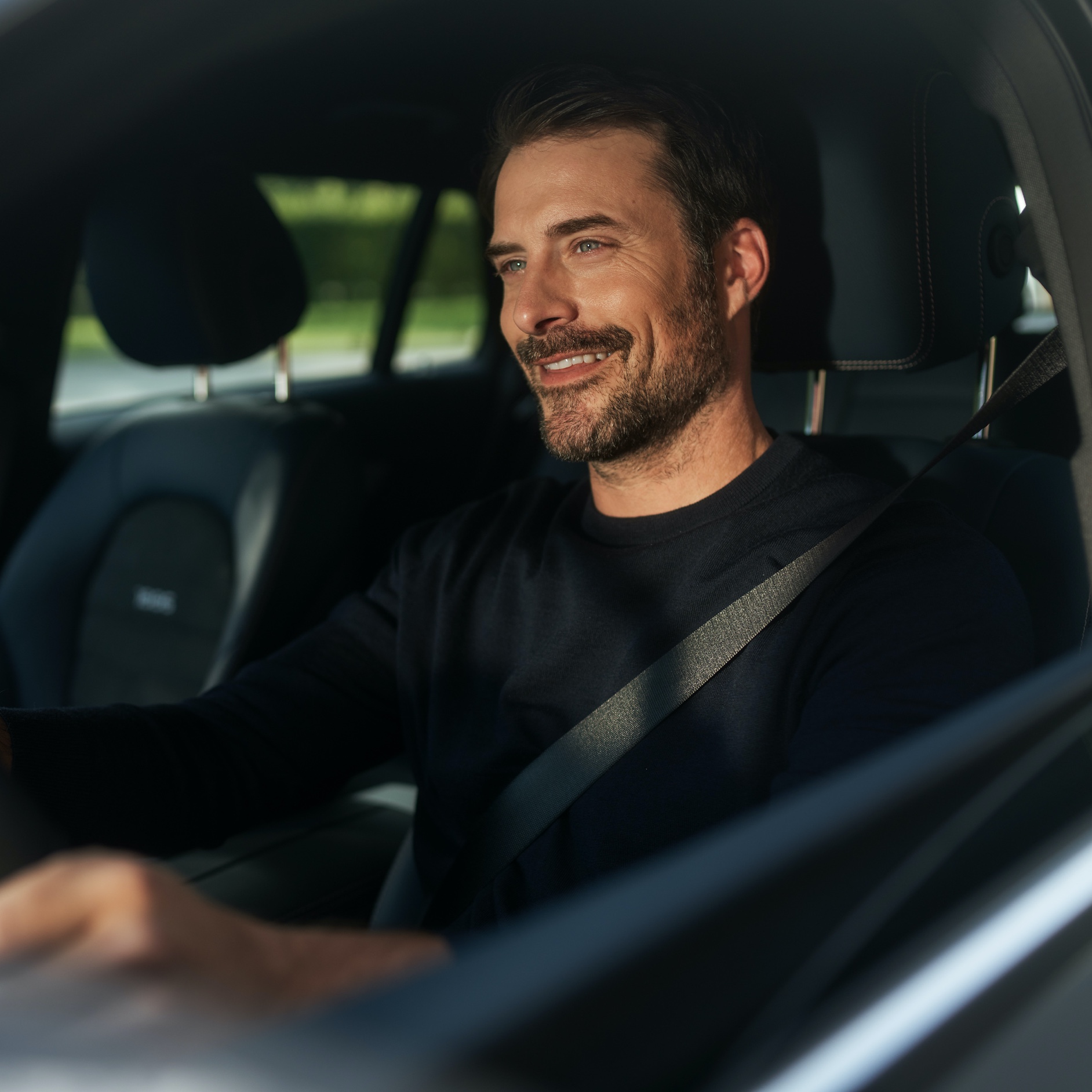
A man uses the MBUX Voice Assistant in his vehicle.

MBUX multimedia system

Partner offers.

Linked to the best partners. Mercedes-Benz stands for premium standards. This also applies to our partners. To establish new connections with your Mercedes-Benz and beyond, we have integrated further selected offers.

Smart Home Integration

Control your smart home by voice command from your Mercedes-Benz.

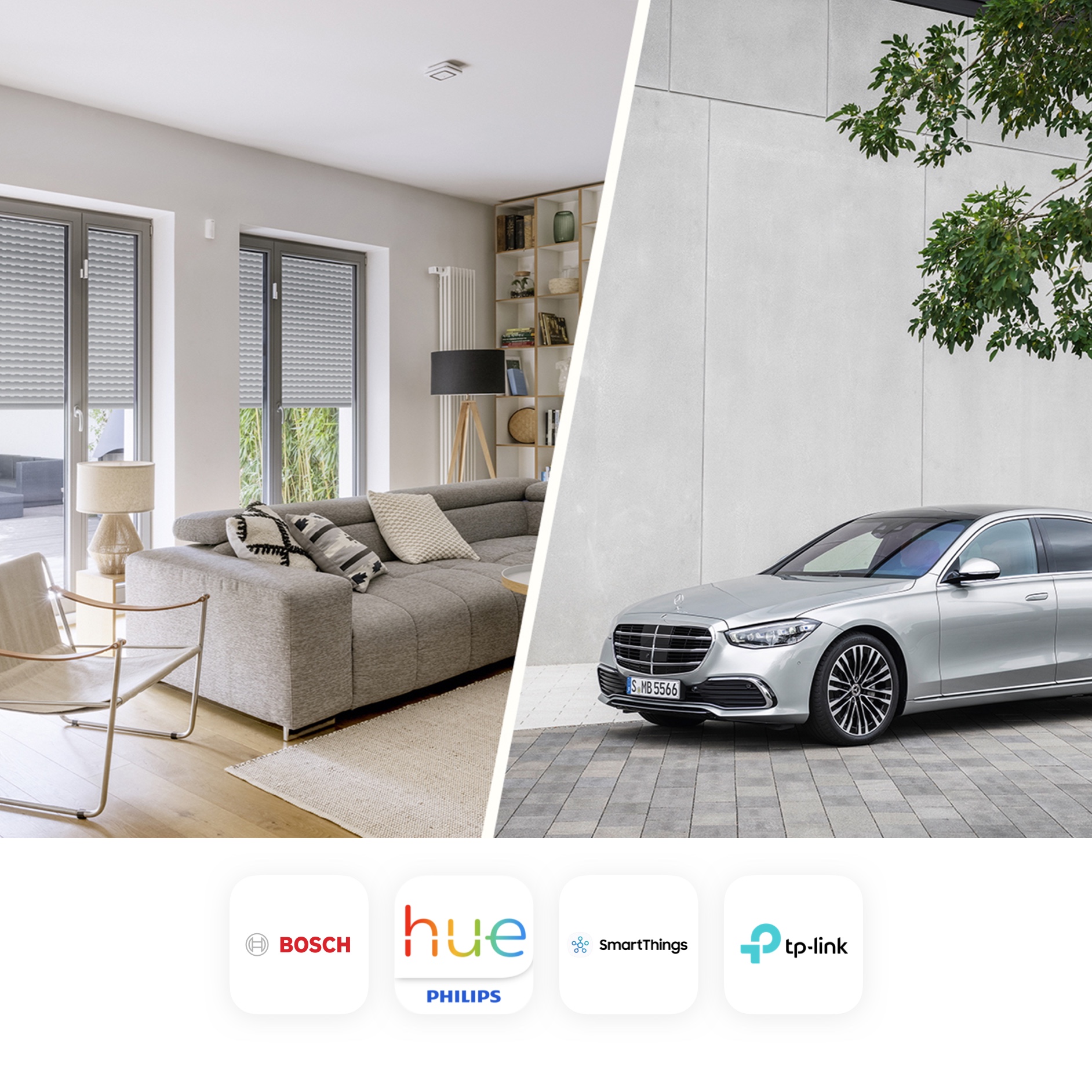
Stay conveniently connected to your smart home while travelling - via the MBUX Voice Assistant in your Mercedes. Operate products from smart home providers easily and quickly via voice control. This way, you can check with one enquiry whether you have also closed all windows - while keeping your hands safely on the steering wheel and your eyes on the traffic on the road. And on the way home, make your home perfectly ready for your arrival with a short announcement. Register now to be able to activate the MBUX Voice Assistant service. You can then link your account with your smart home provider to your Mercedes me account.

The picture shows a collage of a furnished home and a Mercedes vehicle. Also shown are the various smart home providers that cooperate with Mercedes-Benz.

How it works

Use Digital Extras and Mercedes-Benz App now.

  1. Create a personal Mercedes me ID, agree to the Terms of Use and link your vehicle to your user account.
  2. Activate, renew or purchase Digital Extras in the Mercedes-Benz​ Store if they are offered for your vehicle. After activation, these are automatically made available in your Mercedes-Benz. The initial activation of the standard services is possible within 1 year from the first registration or initial start-up by the customer, whichever comes first.
  3. In the Mercedes-Benz App you will find everything you need to know about your Digital Extras. View your Mercedes-Benz​ account online here too.
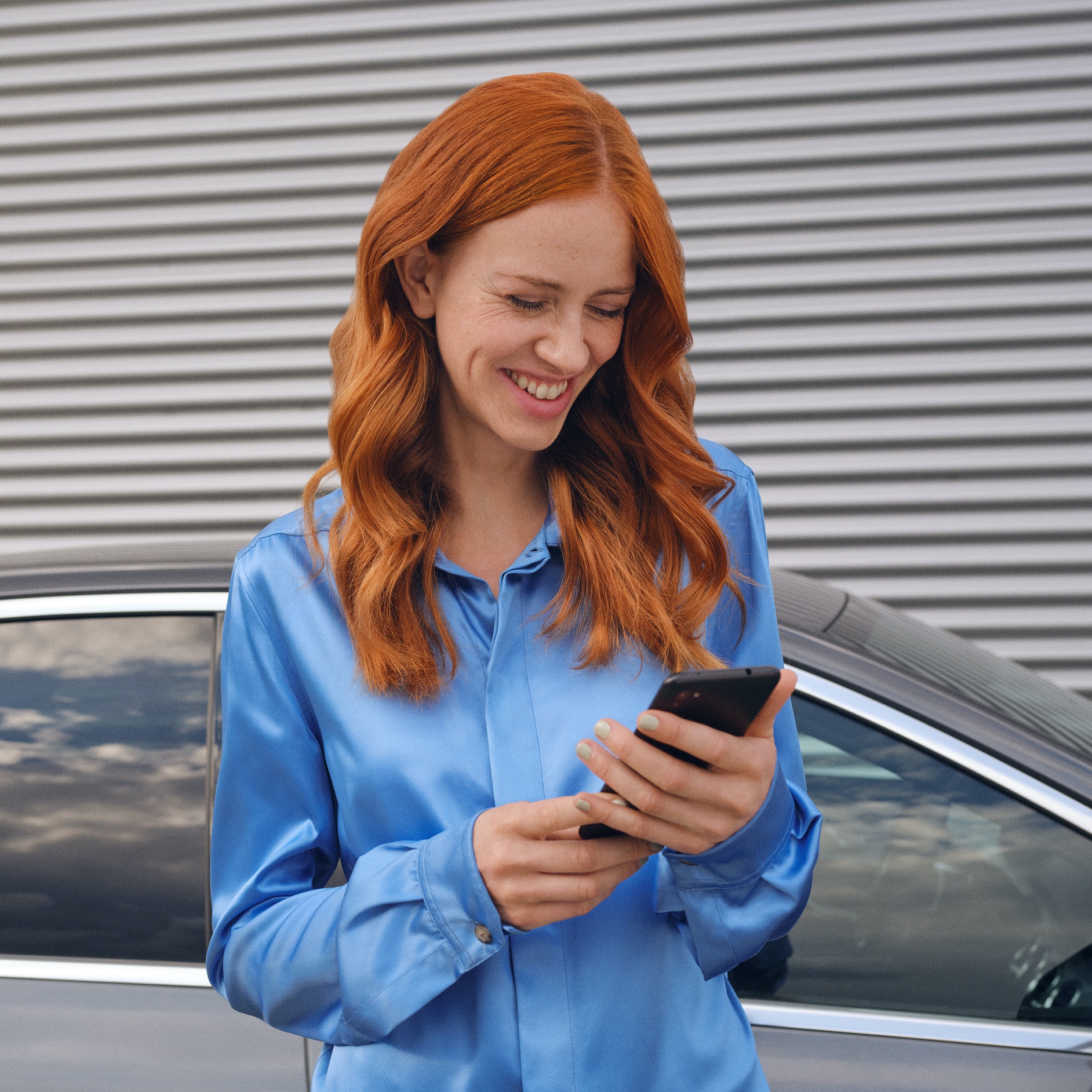
A woman connects to her Mercedes-Benz via the Mercedes me App on her smartphone.

FAQs

Do you still have questions about Digital Extras​?

Would you like to know more about Digital Extras? Find the most important questions and answers about registration, payment and use here.

To use Digital Extras, you first need a Mercedes me ID. To register for Digital Extras, please follow these steps:

  1. Download the Mercedes-Benz App from the App Store or Google Play.
  2. Enter your telephone number or email address and tap "Next".
  3. Complete your personal information.
  4. Read the Terms of Use and tick the box to accept them.
  5. Tap on "Register".
  6. Enter the verification code sent to your smartphone or email address to complete the registration process.


You get some Mercedes-Benz standard services with your vehicle that you don't have to buy. However, to benefit from additional services, a purchase is necessary.

These are some of our most popular services:

- Remote Vehicle Status
- Vehicle Tracker
- Parked Vehicle Locator
- Remote Engine Start

The following services are included free of charge:

-

Maintenance Management
- Accident Recovery and Breakdown Management
- Telediagnostics
- Remote Vehicle Diagnostics


To purchase a Mercedes-Benz service, please follow these steps:

1. Download the Mercedes-Benz App.
2. Open the app on your smartphone.
3. Select a product from the list and tap "Add to basket".
4. Tap on "Go to basket" to proceed to checkout.
5. Tap on "To payment" and select a means of payment.
6. To complete your order, tap on "Order at cost now".


To discover and purchase all available services, please visit the Mercedes-Benz Store online or download the Mercedes-Benz​ Store App and log in with your Mercedes-Benz ID.


iOS

Android

There are two ways to renew services or purchase new services:

- You will receive a reminder by email 2 weeks before the end of the term. Simply follow the link in the email to renew your services.
- You can purchase new services and extend terms at any time in the Mercedes-Benz Store app. These are automatically appended to your current terms.


Please follow these steps to renew or purchase services that are ending:

1. Open the Mercedes-Benz Store.
2. Tap "Renew" in the menu.
3. Select your desired term.
4. Tap on "To payment".
5. Tap on "Order at cos now" to complete your order.


iOS

Android

With the Mercedes-Benz​ App, you can set up your Mercedes-Benz EQ before you set off. In the following, we explain how to set the desired state of charge, specify a departure time and initiate pre-entry climate control.

To set the maximum state of charge:

1. Open the Mercedes-Benz App.
2. Tap on "Charging options".
3. Tap on "Maximum state of charge", select "100%" and tap on "Apply". Your Mercedes is now configured for the highest possible state of charge.


To specify departure time:

1. Open the Mercedes-Benz App.
2. Tap on "Charging options" and then on "Departure time".
3. Select "One time" for a single trip or "Weekly profile" for a recurring trip.
4. Choose your departure time. If you have specified "Weekly profile", also select the desired days of the week.
5. Tap "Save" in the top right corner of the screen to save your new departure time.


To set up pre-entry climate control:

1. Open the Mercedes-Benz App.
2. Tap on "Charging options" and then on "Pre-entry climate control".
3. Select "Temperature"
4. Set a temperature for the driver's seat or the front passenger seat. Optionally, you can also select "Entire vehicle".
5. Tap "Save" to save your pre-entry climate control settings. You have thus set up pre-entry climate control for your vehicle.
Please follow these steps to lock and unlock the vehicle doors via the Mercedes-Benz App:
1. Open the Mercedes-Benz App.
2. Select "Lock status".
3. Check the lock status at the top of the screen to see if the doors are locked or open.
4. Tap the button to lock or unlock the doors.
5. Enter your four-digit PIN to confirm or use Face ID.

Activate the "Stolen Vehicle Help" service in the Mercedes-Benz App to be able to find your vehicle in the event of theft or loss. After activation, you can use this service to speed up the investigation by police.


The service can be purchased as part of the URBAN GUARD Package in the Mercedes-Benz Store. Please be sure to activate Stolen Vehicle Help as soon as you receive your vehicle. The benefit of this service can only be claimed 30 days after purchase (waiting period). Vehicles that are already untraceable prior to the purchase of this service or during the waiting period are not covered by the benefit of this service. Please also note your individual insurance conditions, which apply independently of this service.


To activate Stolen Vehicle Help:
1. Open the Mercedes-Benz App.
2. Go to "Settings".
3. Tap on "Manage services".
4. Scroll down to "Stolen Vehicle Help".
5. Tap the button to activate the service.


To use Stolen Vehicle Help:
1. Open the Mercedes-Benz App.
2. Tap on "More" and select "Stolen Vehicle Help".
3. Confirm your data.
4. Report the theft to police.
5. Contact the security centre of our authorised service partner.


Once you have successfully launched Stolen Vehicle Help, our service partner will transmit the location data to police. From this point on, the real-time location of your vehicle is shared with police. You have no insight into the location of your vehicle during the search process.