Software updates over the air (OTA).

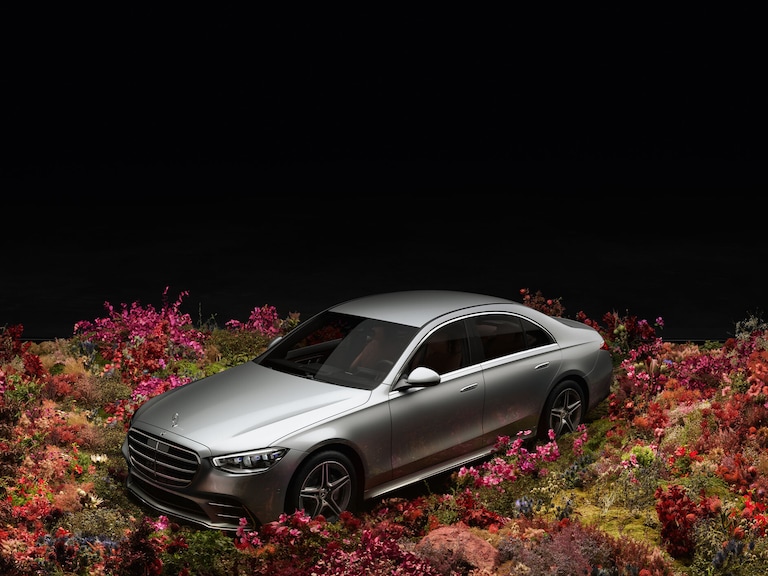
Keeping your car fresh for years. Many models receive the latest features and improvements conveniently over the air.
x

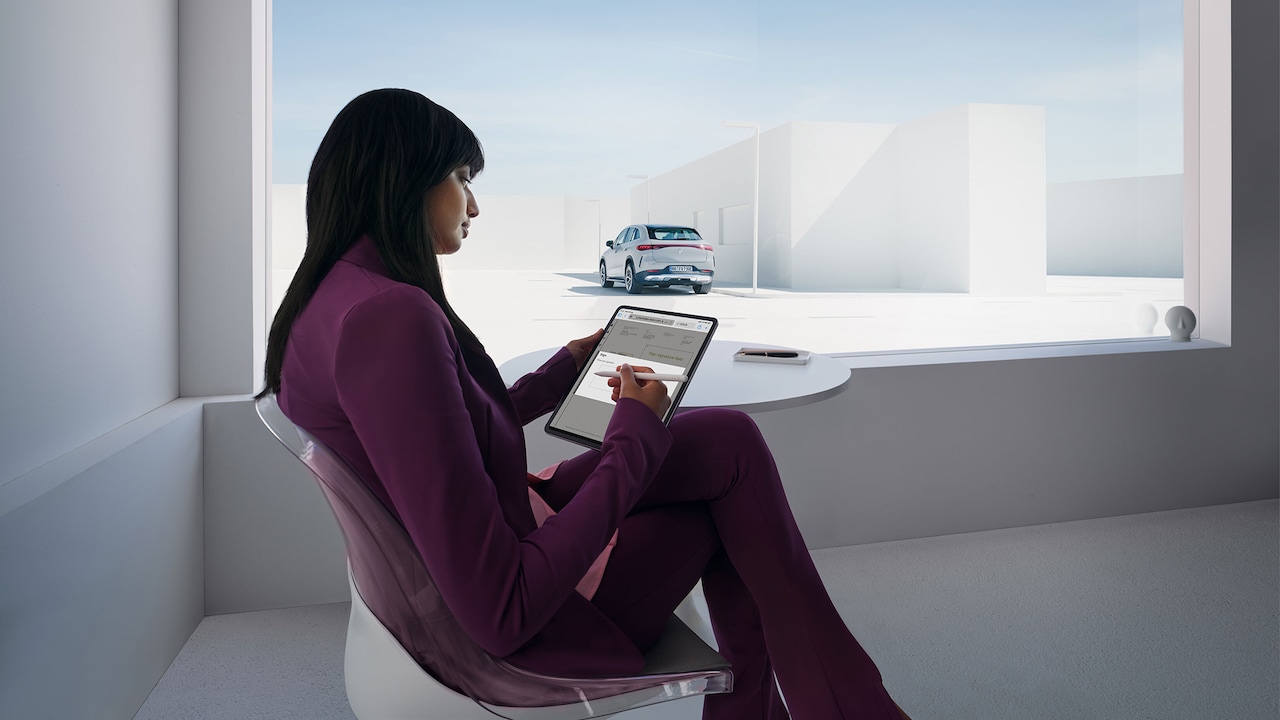
Software updates from the comfort of home.

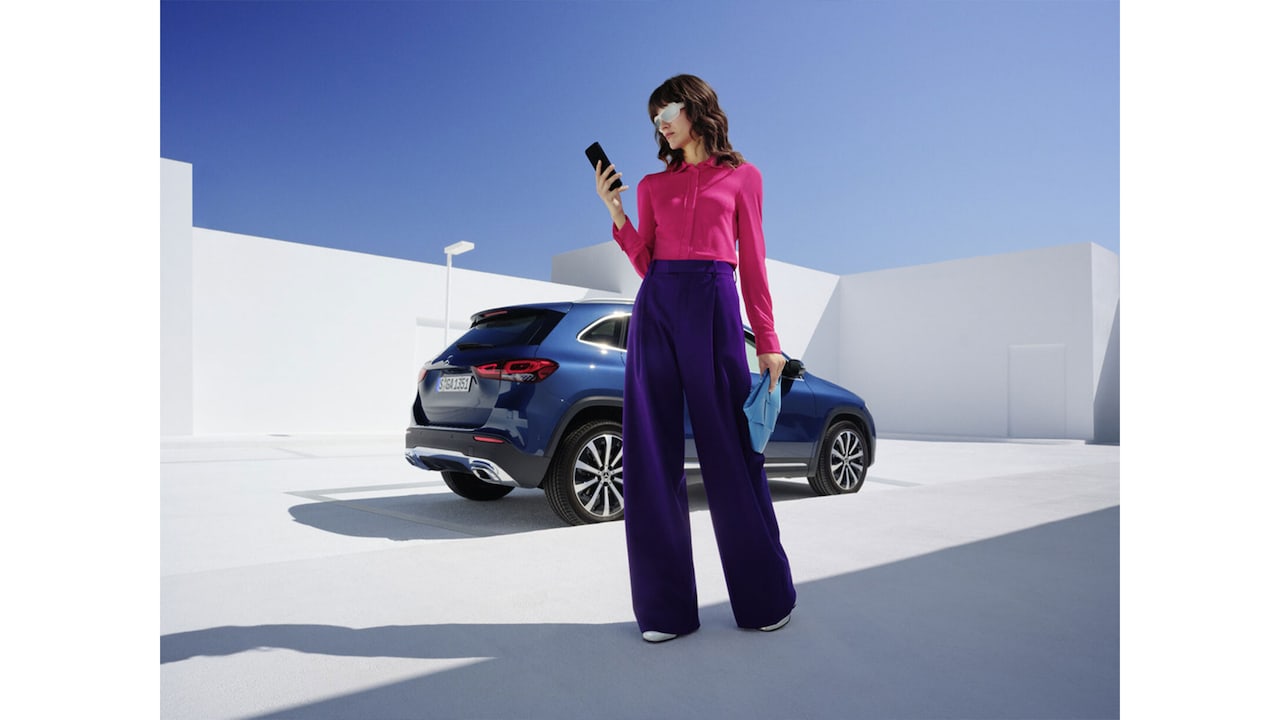
Update your car easily and conveniently while parked in your own driveway – or anywhere else.

x

Enjoy great new features and functions for years.

With a steady stream of exciting developments, there is lots in store to keep your Mercedes-Benz fresh.

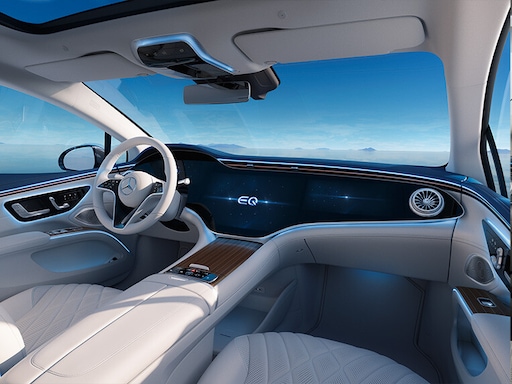
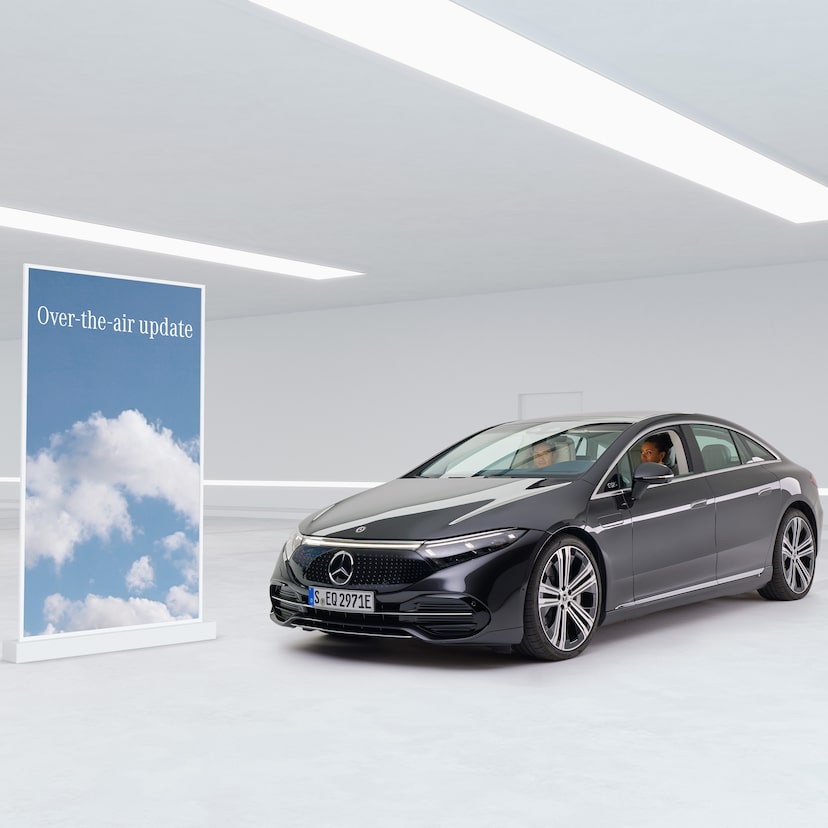
Front view of the Mercedes-Benz EQS.

MBUX Entertainment Update (2.4)

Brings you even closer to fulfilling your individual wishes.

Highlights

MBUX Entertainment Update (2.4)


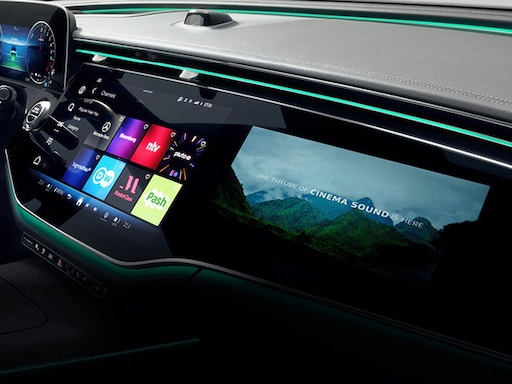
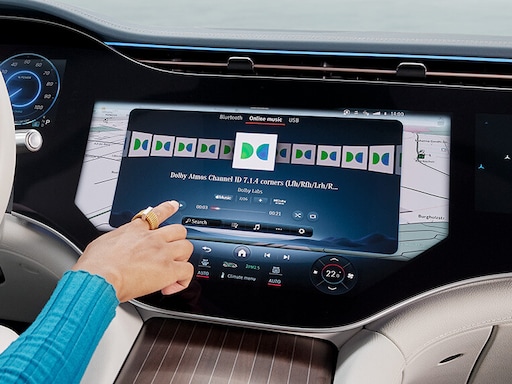
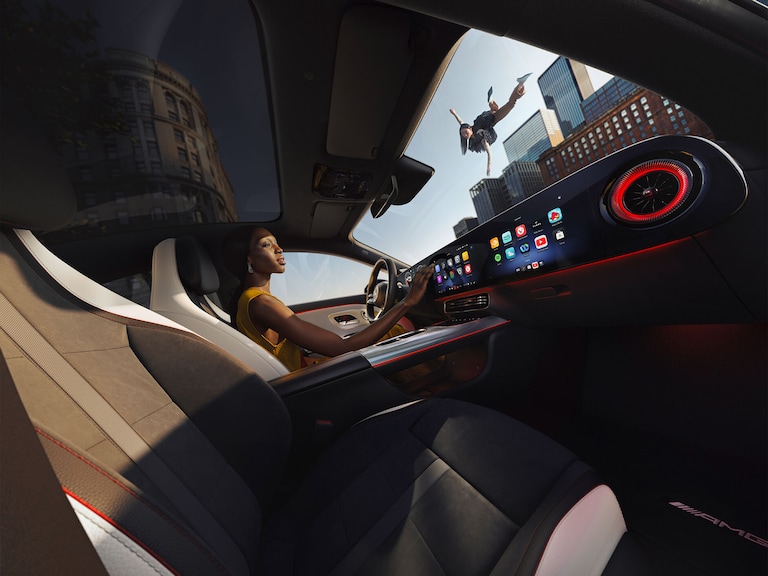
MBUX Entertainment Update (2.4) brings new functions and improvements to your vehicle. What's new in this update? The video streaming app offers you access to curated libraries with premium content. In your vehicle equipped with Burmester® equipment, Dolby Atmos gives the corresponding audio formats a multidimensional audio experience. Thanks to new functions for MBUX Voice Assist, you can listen to short news podcasts on your favourite channels and receive useful information on many points of interest through the acoustic tour guide. You can also use the new functions for the front passenger display to save a personal photo of your choice or to play the sound through the vehicle sound system when displaying dynamic content.

This update also includes performance improvements and bug fixes.

Advantages

Advantages of the MBUX Entertainment Update (2.4)

Here is a fully detailed account of all the exciting features the MBUX Entertainment Update (2.4) offers you to make driving in your Mercedes-Benz even more pleasant and practical.
x

Natural conversations with AI knowledge feature

Millions of customers can now ask their MBUX Voice Assistant general-knowledge questions on everything from from pop culture to science to history and much more. With the help of AI, you can chat with your car as if with a friend – asking questions then follow-up questions, just like a normal conversation.

x

From immersive music to the latest news

Great new features to further enhance the in-car audio experience include Amazon Music with the breathtaking Dolby Atmos®.


Use NewsFlash, to configure your favourite channels for general news, business, finance, sports, culture and more.

x

Video streaming brings movie magic to your car

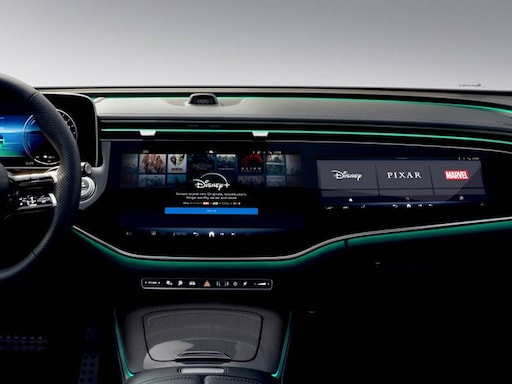
We offer a growing range of popular streaming services from big-name providers in multiple countries. They deliver high-quality in-car movie experiences on multiple screens. For eligible customers, new apps appear automatically in the menu. They are easy to activate and set up in a few short steps.

x

Rollout of Place Details provided by Google

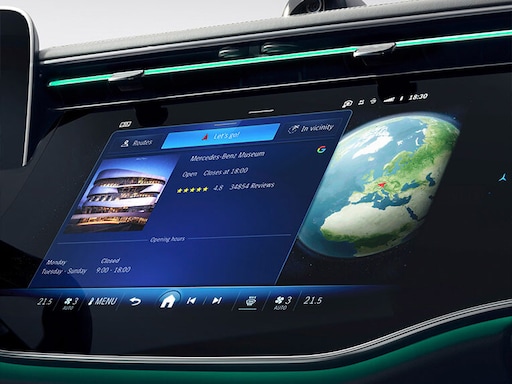
Even more customers now have access to detailed information on more than 200 million businesses and locations worldwide. We launched this world-leading service in 2022 for customers of 2nd-generation MBUX. The further rollout then made it available for free on all Mercedes-Benz models with MBUX – over-the-air.

Video Streaming

Entertainment Portal.

The video streaming service offers customers the option of enjoying long or short video content such as on-demand videos, news streaming, TV series and movies, etc. of their choice on all the available displays in the car.

Dolby Atmos®

Hear the music like never before.

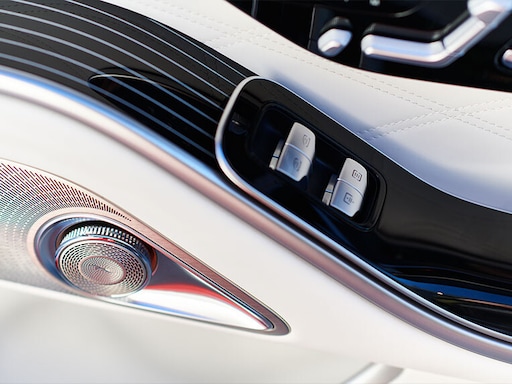
For suitable audio formats, Dolby Atmos® technology takes your sound enjoyment to a new level: with a greater sense of space, clarity and depth, you feel that you're right in the middle of everything. Experience unparalleled 360-degree sound that goes far beyond the possibilities of mono and stereo.

NewsFlash

Plays your news of the day.

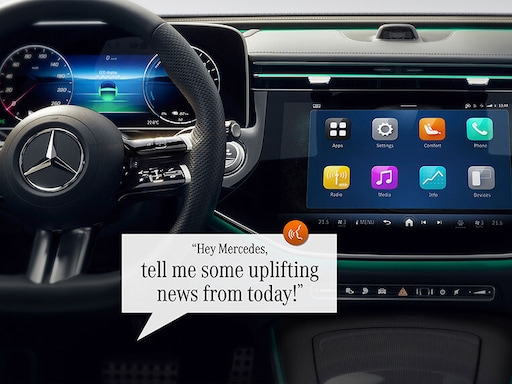
New features for MBUX Voice Assist: listen to short news podcasts of your favourite channels with the updated NewsFlash feature. Just say "Hey Mercedes, play the latest news" and you will hear it all. A personalised selection of different news channels can be configured in the Mercedes me App so that only the messages you really want to hear are played.

Audio playback on the front passenger display through the sound system

Individual and flexible.

Keep an eye on your Centre display while your passenger can choose to enjoy dynamic content on the passenger display. With "Audio playback on the front passenger display through the sound system", you can play back the sound of dynamic content directly through the vehicle's sound system – a pair of Bluetooth headphones is no longer required.

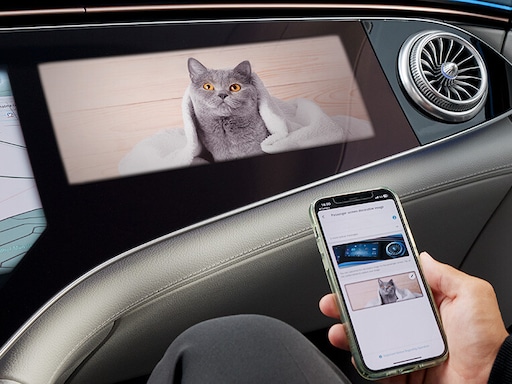
Personal Decorative Image

Experience individuality.

Place your personal image on your front passenger display and create your own personal well-being lounge in your Mercedes. You can easily set up your desired image using the Mercedes me App.

Zero Layer


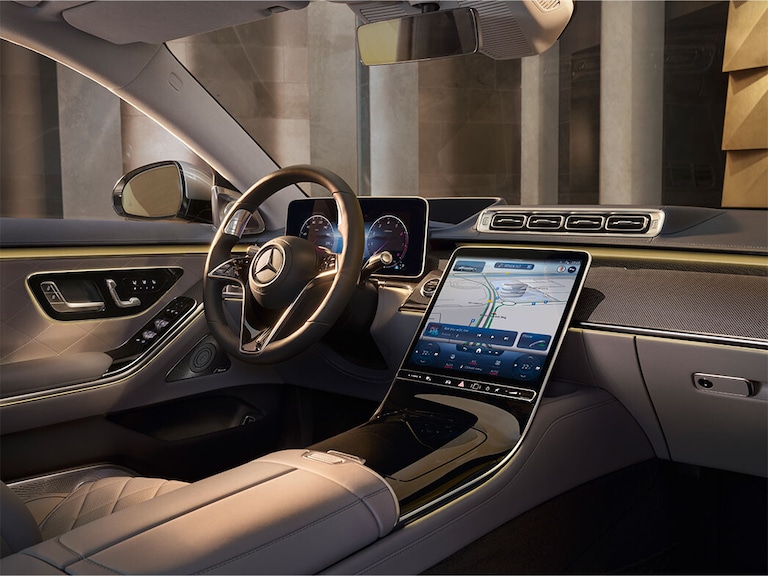
Even more intuitive and intelligent.

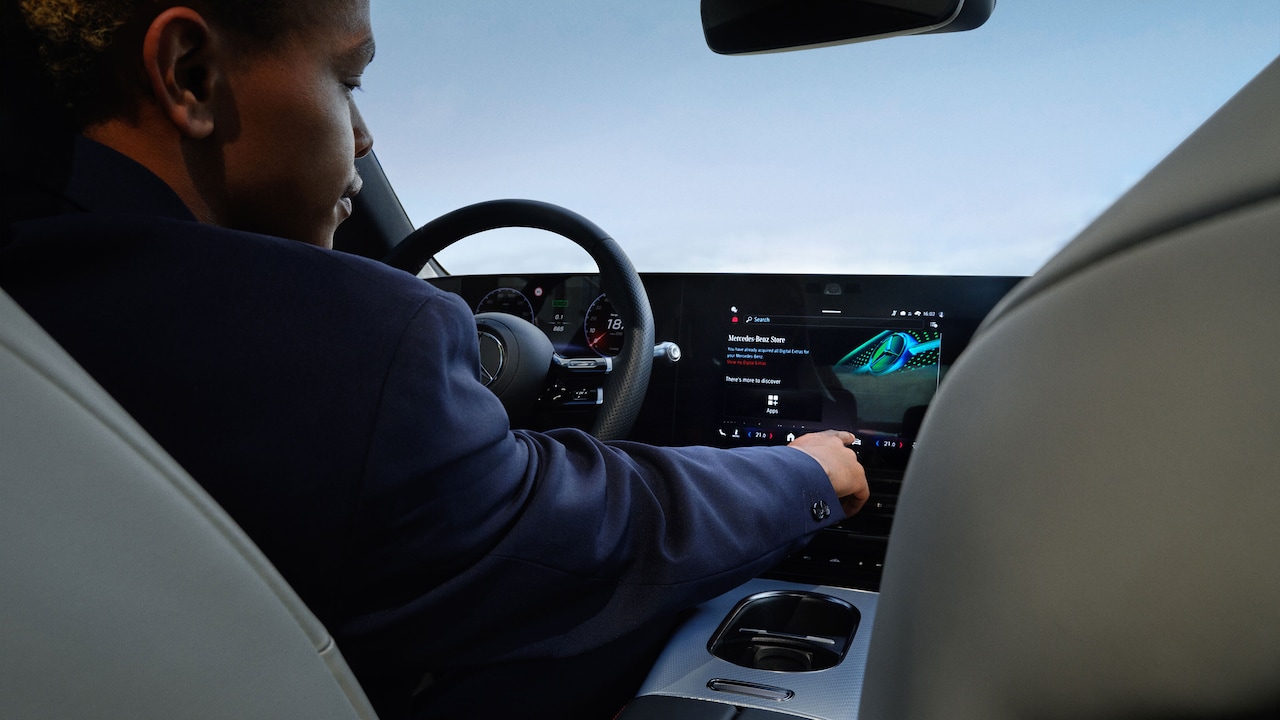
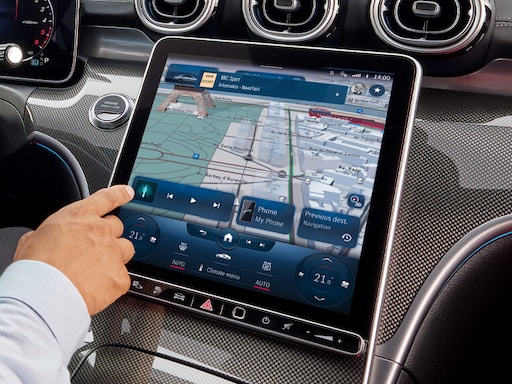
Zero Layer makes it even easier to use the MBUX multimedia system: with the help of artificial intelligence, this self-learning system displays relevant functions for you as required on the home screen, without intensive searching. The latest-generation MBUX was presented exclusively for the first time in the EQS. Now it is installed ex-factory in the current C-Class and S-Class and it is also available to the new model generation as an over-the-air update.
FAQs

Still have questions about the MBUX Entertainment Update (2.4)?

The most important questions and answers about the MBUX Entertainment Update (2.4) are available here.

Which Mercedes-Benz models will receive the MBUX Entertainment Update (2.4)?

Back

The MBUX Entertainment software update (2.4.) is available over-the-air (OTA) for several vehicle models and software versions. The software update is available for the following models.

A-Class (model series 177 facelift; as of production date August 2022)
C-Class (model series 206)
EQE and EQE SUV (model series 295 and 294), EQS and EQS SUV (model series 297 and 296)
GLA (model series 247 facelift as of October 2022), GLC (model series 254), GLE and GLS (model series 167 facelift as of December 2022)
S-Class (model series 223)
AMG SL (model series 232)
AMT GT 4-door Coupé (model series 290, as of production date June 2023, modification year 23/1 (804))

You can determine the specific model series for your vehicle in its vehicle identification number (VIN). Digits 4-6 describe the model series involved, for example, WDB2062081A123456208.
How do I find out which features I can use?

Back
The advance information notifying you that an update is available tells you which update content is relevant for your specific vehicle.

How does the OTA update work?

Back
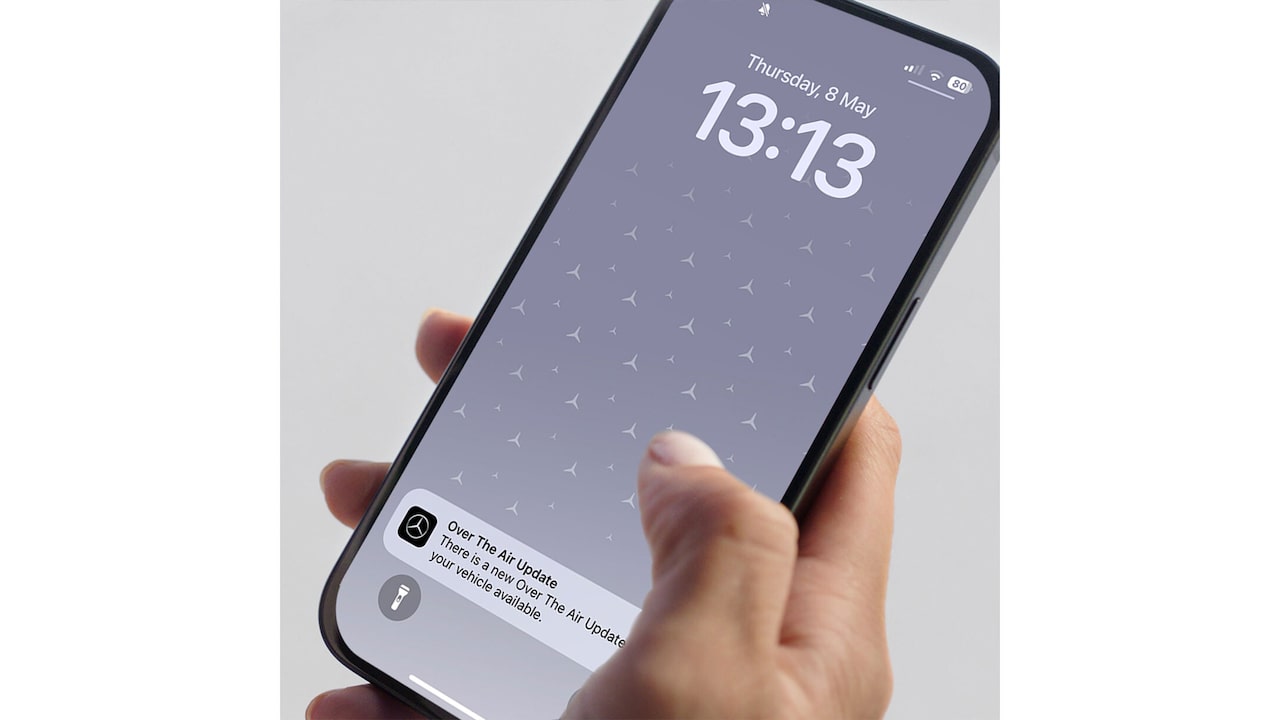
The free over-the-air update process is an extremely easy one, especially if you are connected through Mercedes me: the MBUX Infotainment system and the app will notify you that the new software update is available.
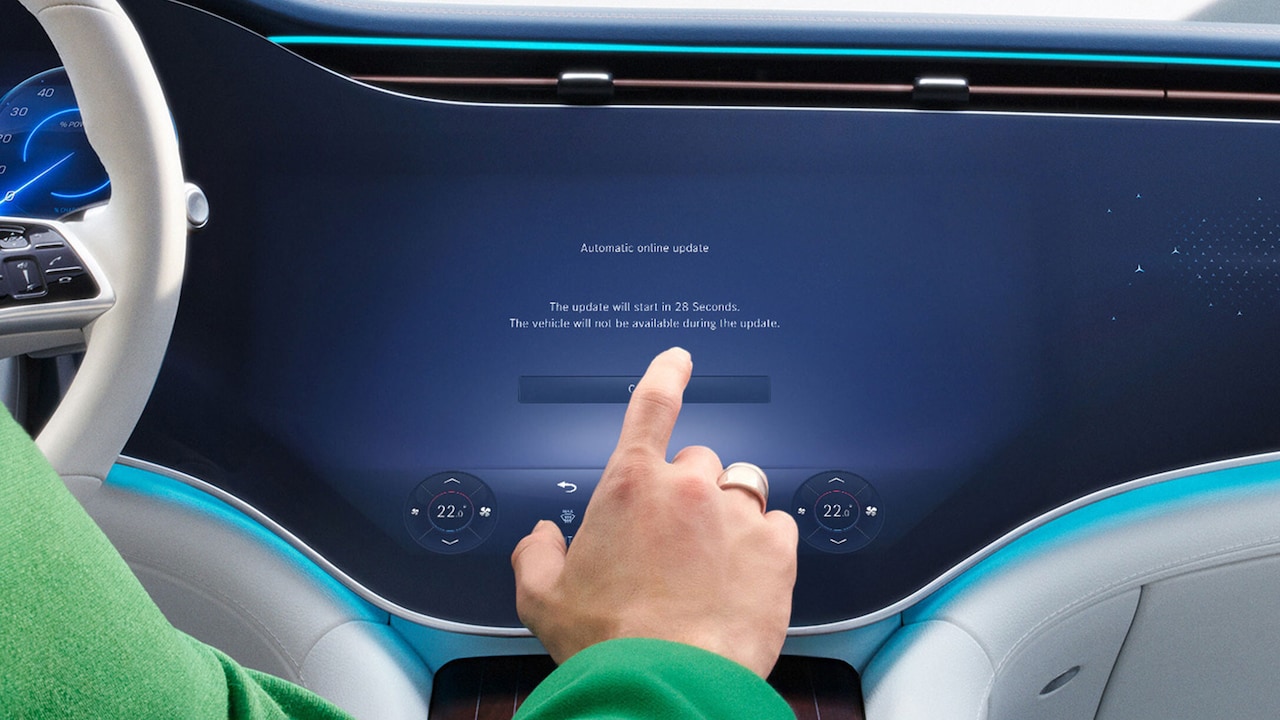
Simply follow the steps of the Installation Assistant in the vehicle. Before you agree to the installation through the infotainment system in your vehicle, you will be notified about the content of the update, important notes on the procedure and the duration of the installation process. After confirming that you want to install the update, your vehicle will be unavailable for approx. 10 minutes. As soon as the update is complete, your MBUX Infotainment system will restart.

Can I sit in the vehicle during the update?

Back
A secure vehicle condition is required for the update installation process and you are asked to lock the vehicle from the outside. For safety reasons, you will not be able to remain seated in the vehicle during the update.

How does the secure vehicle condition work?

Back
Further information on this is available in the Installation Assistant.

Can I start the update from the app?

Back
Remote installation from the Mercedes me App is not possible for Entertainment Update 2.4. The installation process is started through the MBUX Infotainment system in the vehicle. The Mercedes me App provides connected customers with helpful information about the update and the functions it contains.

How long does the installation take?

Back
The installation only takes approx. 10 minutes.

Do I need additional data volume for the installation?

Back
The update is delivered through the SIM card installed in the vehicle using the mobile phone network. No additional costs will be incurred for you.

What happens if I do not install the update?

Back
Among other things, the update serves to maintain compliance with the contract, contains security updates and bug fixes. It is also the basis for future updates. For this reason, the update is recommended for every user.